Euro Truck Simulator 2
American
Truck Simulator
Your game crashed. Find out which mod did it.
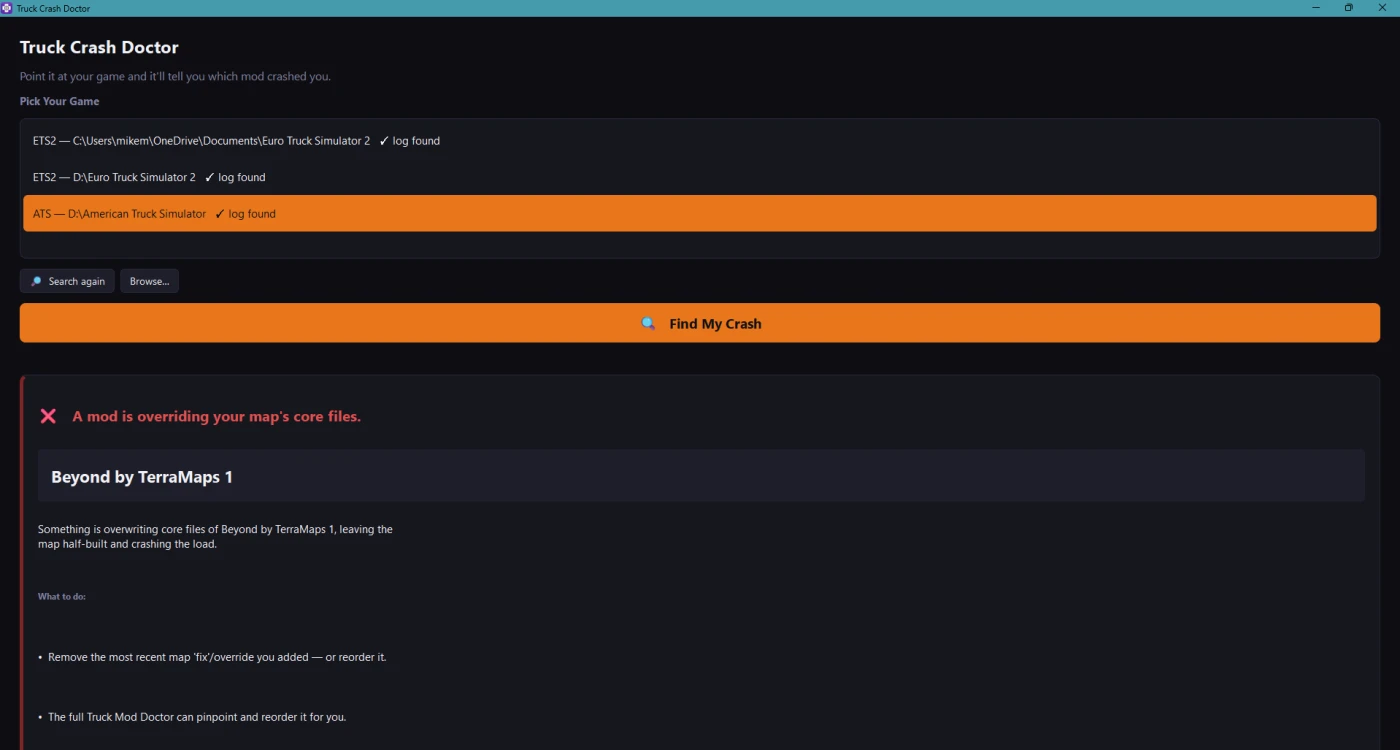
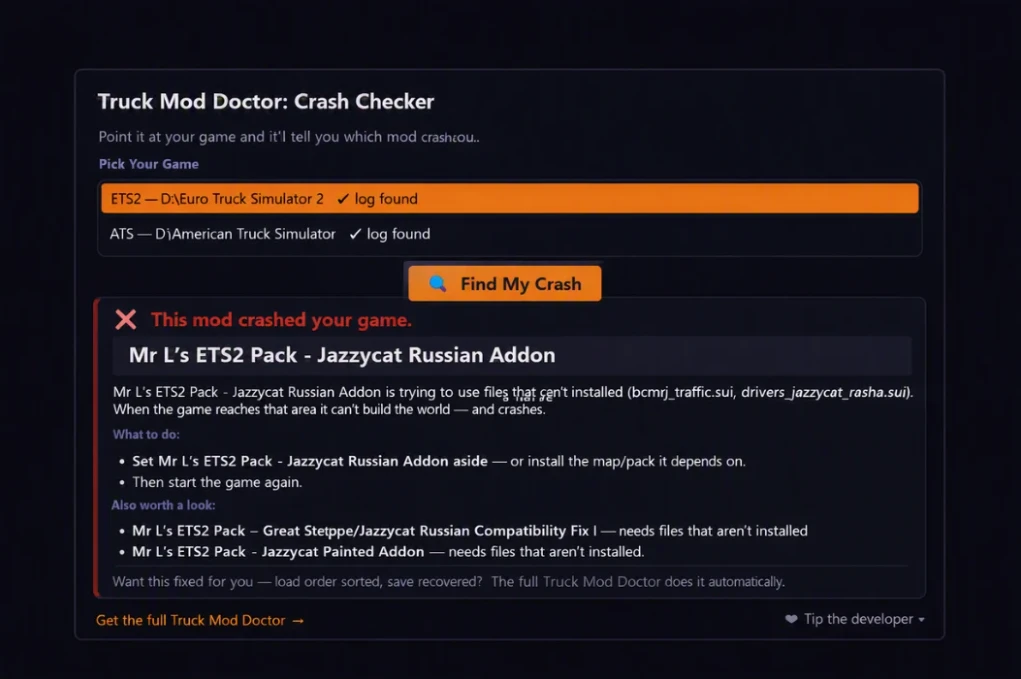
Truck Crash Doctor reads what your game wrote down when it went bang! The crash log and the game log tell it, in plain English, which mod the evidence points to. No guessing, no removing mods one by one, no modding knowledge needed.
How it works 3 clicks:
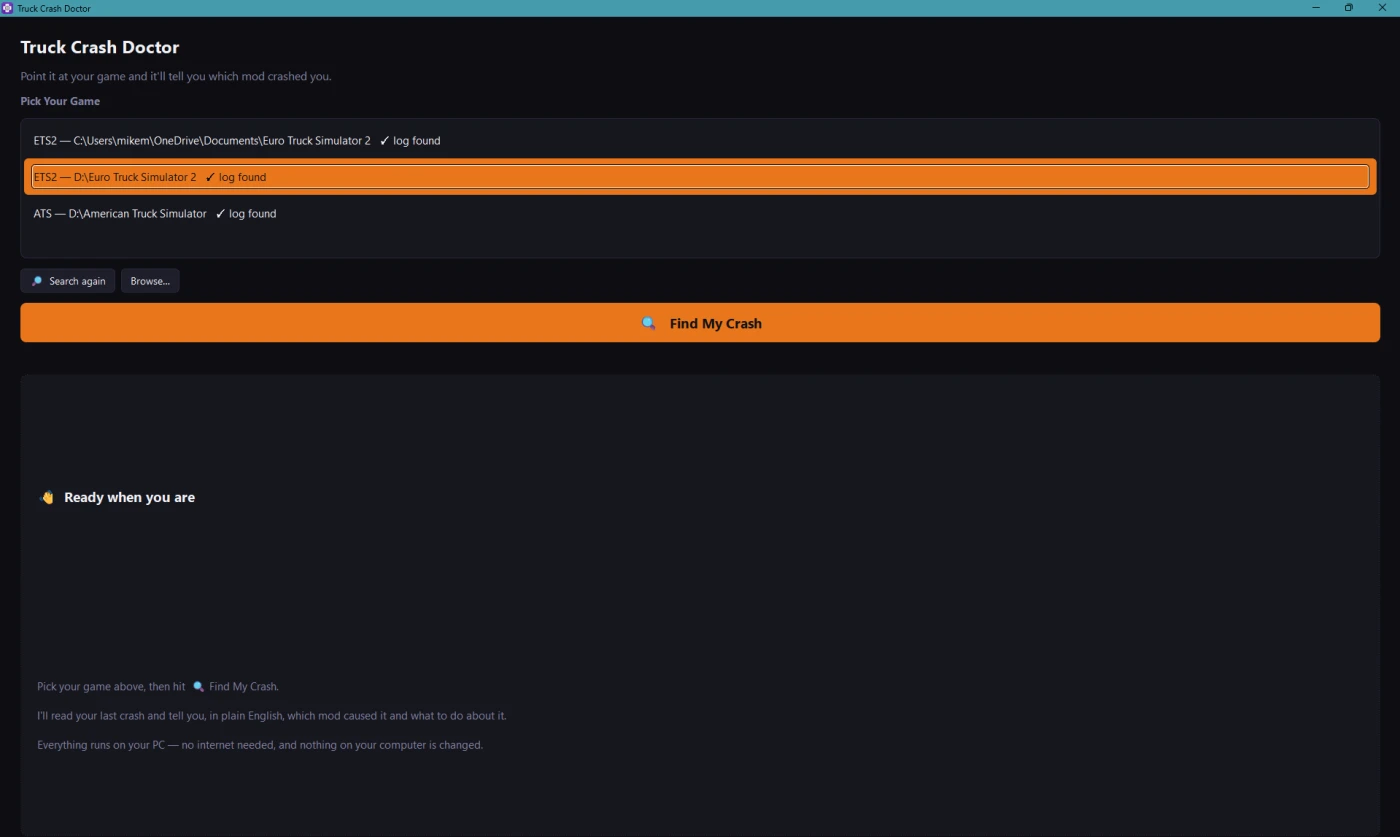
Open it, it finds your ETS2 / ATS install automatically
Pick your game
Hit ๐ Find My Crash
What it catches:
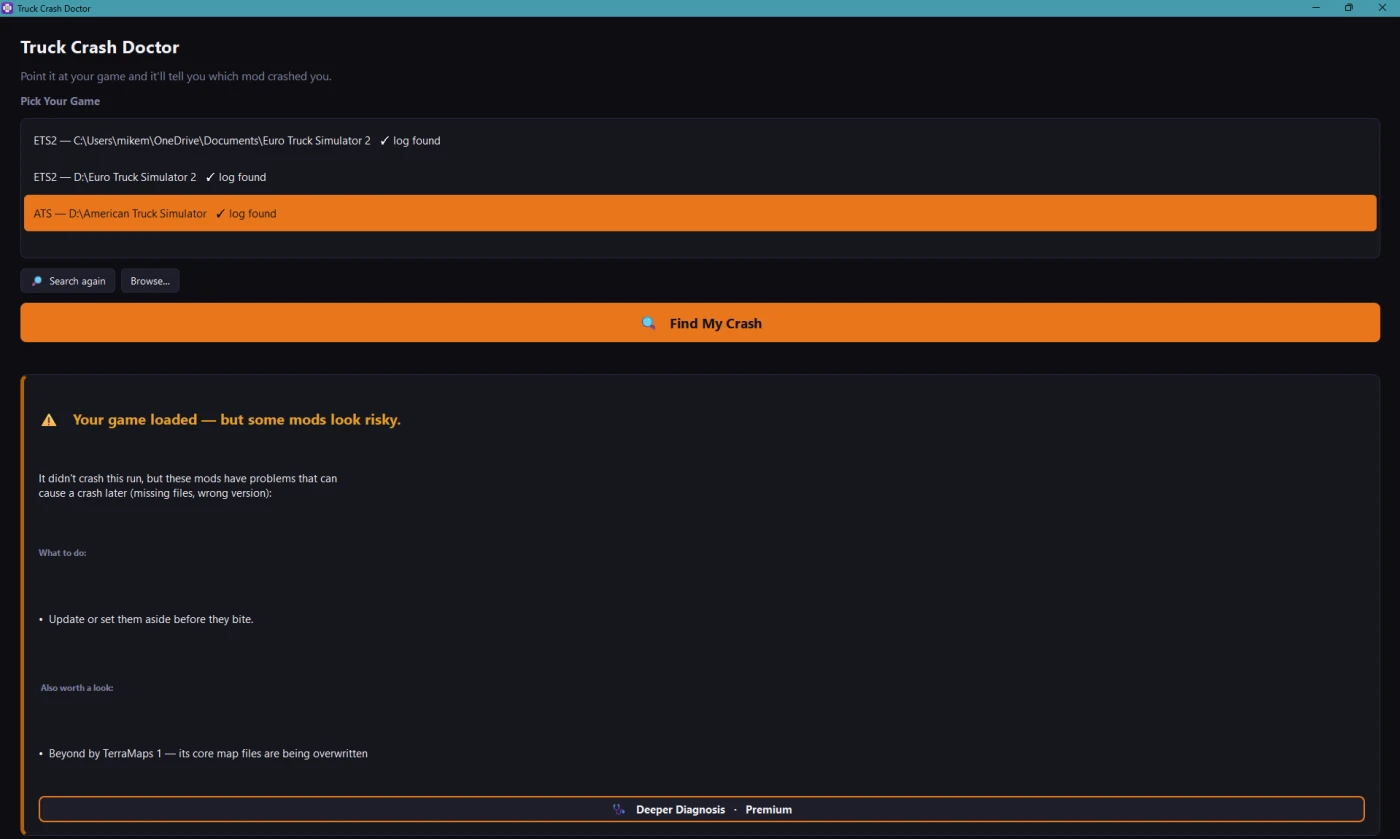
โฆand it tells you plainly when your game actually loaded fine, so you don't rip out mods for no reason.
It tackles one fault at a time, it shows you the most likely culprit first, not every problem at once. If your game still crashes after you fix the first one, just run it again. Each check takes seconds.
Why you can trust it:
100% offline, NO account, no internet needed, nothing uploaded
Read only, it looks at your logs and mod folder; it never changes a single file
Completely free, no ads, no catch
Getting started: unzip, run Truck Crash Doctor.exe. Windows may show a "Windows protected your PC" note the first time (it does that for every new small app from a small developer). Click More info โ Run anyway.
Works with Euro Truck Simulator 2 and American Truck Simulator, local mods and Steam Workshop, Windows 10/11.
Full disclosure: Truck Crash Doctor is the FREE companion to Truck Mod Doctor, a paid app that also fixes your load order. The free app stands on its own. You NEVER need the paid one to get your crash diagnosed. If anyone charges you for Truck Crash Doctor, it's a scam. Not sure? Email [email protected] and we'll verify.

You are not allowed to upload this file to other sites under any circumstances.
You are not allowed to modify or improve my file under any circumstances.
You are not allowed to convert this file under any circumstances.
You are not allowed to use assets of my file under any circumstances.
v1.5 Manifest reading fixes
- Commented out version lines in a mod's manifest (e.g. "# compatible_versions[]: "1.27.*"") are now ignored, exactly as the game ignores them. Several current mods keep an old version list as a comment, which previously produced a false "made for an older game version" note.
- A blank version declaration (compatible_versions[]: "") is now treated as "not stated" instead of a mismatch, no more notes reading "made for ETS2 , you're on 1.61".
- Category and DLC lines are read the same line anchored way, so a commented line can never be mistaken for a live one.
- Reads the newer HashFS archives used by some ATS 1.61 maps (fixes "0 files / no manifest" on those mods).
- Version detection and advisories updated for ETS2 and ATS 1.61.
No changes to how crashes are diagnosed in this release, it's a cleaner read of your mods' own information, so fewer false alarms.
v1.4 โ updated for ETS2 / ATS 1.61
- Ready for game version 1.61 on both games; advice text refreshed for the new version.
- Reads the newest large map packs correctly. Some big maps switched to a newer archive format the previous build could not open, so crashes involving them could be missed.
- New two-page Getting Started guide (8 languages) available with the download on the website.
- Still free, still offline: no account, nothing uploaded. Unzip, run, read the verdict.
Update: replace your old copy with the exe in this zip. Windows may show the blue "protected your PC" screen once โ click "More info", then "Run anyway".
Wrong verdict? Send your game.log.txt and game.crash.txt to [email protected] โ that's how the app gets smarter.
v1.2 - Smarter verdicts: a few "service prefab" log lines are no longer mistaken for a map crash. New heads up when your save still references a truck, trailer or accessory from a mod you removed (names the mod if it's still installed). Ready for the 1.61 beta: recognises the reworked FH6 and International LT/LoneStar interiors and the game's own early beta glitches, so it never blames a mod for them.
NEW: Missing map crash detection. Truck Crash Doctor now recognises one of the most common crash patterns in modded setups, a road connection or bridge mod pointing at a map that isn't installed. The game tries to build roads into nothing, floods the log with thousands of "Unable to find item" errors, and crashes. The app now tells you plainly that your map setup points at maps that aren't installed, names the missing maps, and lists the connector mods responsible.
Smarter verdicts. Harmless mod manager chatter in the game log (missing display names, typo'd category entries, things the game itself shrugs off) is no longer flagged, so a clean run gets a clean verdict instead of a false alarm.
General accuracy improvements to log reading and crash diagnosis for both ETS2 and ATS.
First public release.
- Reads your crash log and game log after a crash and names the mod the evidence points to, in plain English
- Catches out of date mods, HUD/mirror mods that break the interface, map conflicts (names both maps and the exact clash), and missing dependencies
- Tells you plainly when your game loaded fine, so you don't remove mods for no reason
- 100% offline and read-only, never changes a file
- Supports ETS2 and ATS, local and Steam Workshop mods, Windows 10/11
Yes. The blue "Windows protected your PC" note appears for every new app from a small developer that isn't code-signed yet. it means "new", not "dangerous". Click More info โ Run anyway. The app is read-only and fully offline, so it can't upload or change anything on your PC.
Really free. No account, no ads, no locked features, no time limit. It exists because the same engine powers our paid app. The crash reading part is free for everyone who drives in ETS2 and ATS
Truck Crash Doctor tells you what's wrong after a crash. Truck Mod Doctor (paid) also fixes it . The app finds conflicts before you launch and sorts your entire load order with one click. You never need the paid one to get your crash diagnosed.
Then your mods aren't crashing the game. Which is genuinely useful to know before you start removing things. Not every problem leaves evidence in the logs, though; if something still feels wrong, ask in our Discord and we'll take a look.
The app only reports what your game actually logged, but no tool is perfect. Send us your game.log.txt and game.crash.txt on Discord or by email, and we'll look personally. Real crash reports are exactly how the app gets smarter for everyone.
Windows only for now. Linux players running the game through Proton may get it working with Wine, but it's currently untested, reports welcome.