READ THE PDF GUIDE!
Have you ever spent weeks building a stable ETS2 or ATS setup, only for a new game version to arrive?
I created SCS Game Version Switcher so you can preserve your current working setup as a separate Last Best configuration before updating or testing a new version.
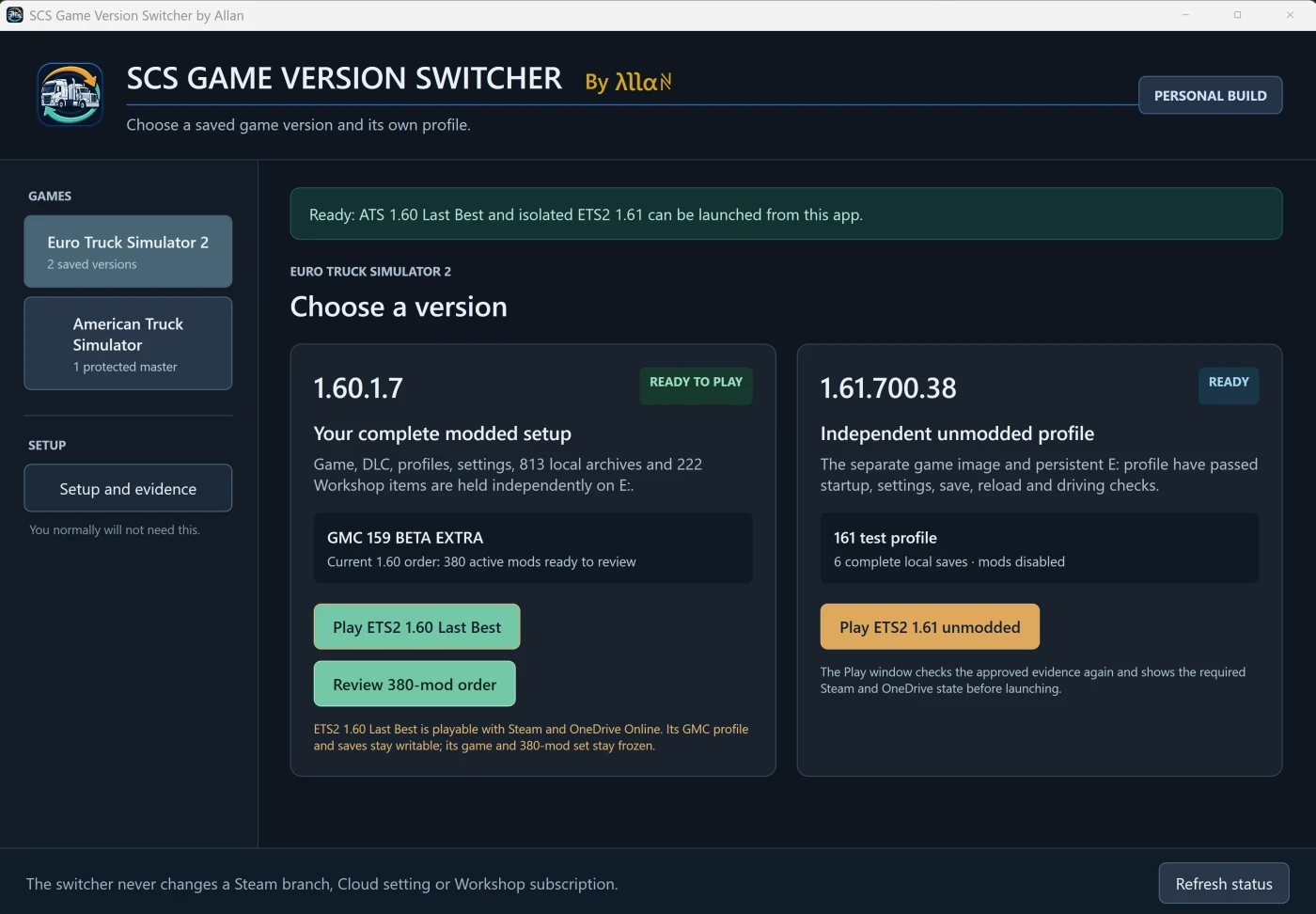
For example, you can preserve your complete modded 1.60 setup and continue playing it while your normal Steam installation moves forward to 1.61.
What does it preserve?
The app creates a separate copy containing:
- The installed ETS2 or ATS game version
- Your selected profile and saves
- Your active local mods
- Local copies of your active Steam Workshop mods
- The required settings for that configuration
The copied game and mod files are isolated from Steam and Workshop automatic updates. Your preserved profile, settings and saves remain writable, so you can continue playing and saving normally.
Your regular Steam installation remains available for the current game version, open betas and normal testing.
What the app does not do
This is not a mod manager and it does not create or change your load order.
It does not:
- Change your Steam branch
- Alter Workshop subscriptions
- Modify or remove your original game files
- Update the preserved game or captured mods
- Delete completed Last Best configurations
It creates a new independent copy in a destination folder chosen by you.
Basic setup
- Get your current game, profile and mod setup working normally.
- Close ETS2 and ATS.
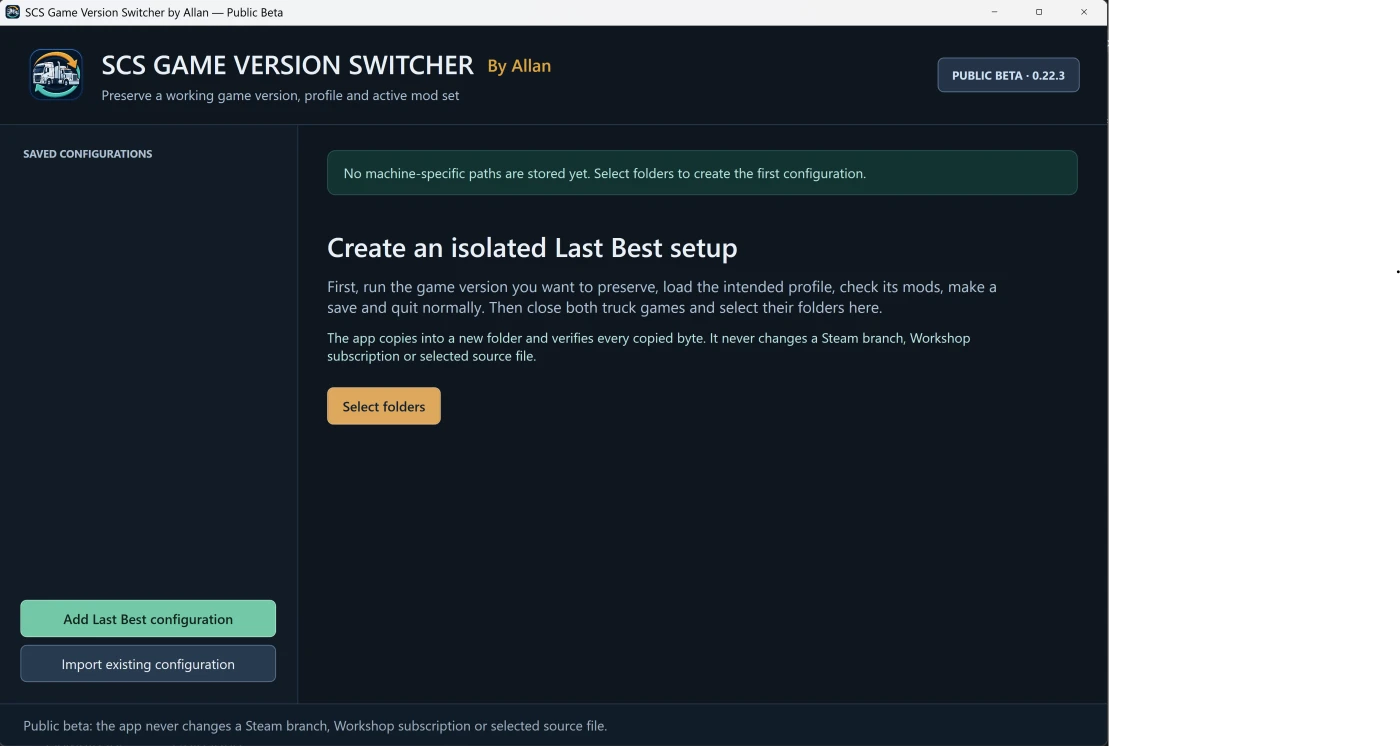
- Open the switcher and select Add Last Best configuration.
- Select the game folder, Documents folder, profile, Workshop folder and destination.
- Press Review selected folders.
- Check the summary and press Create Last Best.
- Allow the copy and verification to finish.
- Launch the preserved version using Play isolated configuration inside the switcher.
A detailed illustrated PDF guide is included.
Before using it
- The Steam client must already be open before launching a preserved game. Steam may be in Online or Offline Mode.
- Steam Cloud must remain disabled for the game while using the isolated profile.
- Never run the normal and preserved game copies at the same time.
- Large game and map setups require substantial free storage.
- Keep your own backup of important profiles and saves.
- Always launch a preserved version through the switcher.
The first isolated load may display a content-changed message and reset navigation because captured Workshop packages are now loading as local copies. Early testing indicates this should be a one-time message and does not mean the map is missing.
Public beta
This is an independently developed Windows application and is being released as a public beta. It has completed automated preservation and safety testing, along with real-world testing using large map setups and hundreds of active mods.
The download contains a digitally signed application and a step-by-step user guide.
If you test it, please report anything unexpected. Include what you were doing, the exact message shown and an exported diagnostic report where possible.
The aim is simple: you should not have to abandon a perfectly working game version just to try the next one.