GMC Mod Manager Suite
Three tools for ETS2 and ATS, brought together in one app. Manage your mod setup, preserve a working game version or clone a profile—all from the tabs at the top.
Mod Manager
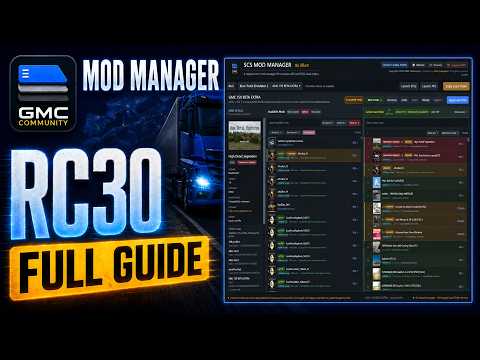
View your installed mods, organise your load order and apply changes to your chosen profile. Includes mod details, filtering, load-order sharing, and backup and restore tools. Built with larger mod collections and map combos in mind.
Game Version Switcher
Keep a separate “Last Best” copy of your game, chosen profile and active mods. Useful when you have a setup that works and want to keep playing it while waiting for your mods to catch up with a game update. The tool copies and verifies the files without changing your original setup or Steam branch.
Profile Cloner
Create a copy of an existing local profile with a new name. Handy for trying a different map combo or mod setup without starting a profile from scratch. Your original profile stays untouched. Steam Cloud profiles aren’t supported by the cloner.
I have kept the familiar Mod Manager interface and matched the two companion tools to it, with guides included to help you get started.